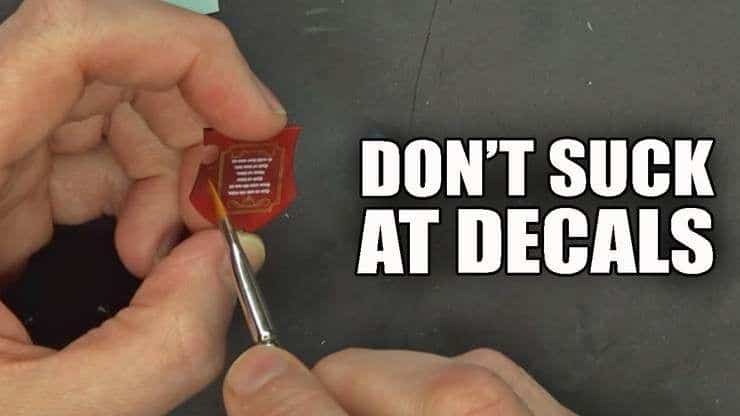
 Today in this tutorial Rob shows how to apply transfers and decals on your miniatures! So if you’ve been having issues, this is worth the read!
Decals are great accessories to add flair and uniqueness to your models. However, applying decals can leave an ugly film on the model that can be difficult to get rid of…but not anymore!
Micro Sol and Micro Set have been used by hobbyists for a long time but are still products that aren’t well known in the miniatures world. They are, however, absolutely fantastic for setting decals on models and leaving a great finish.
Take a look at this quick overview and tutorial on how to use Micro Sol and Micro Set. For the entire tutorial and process, be sure to press play on the video below!
How to Apply Transfers & Decals To Miniatures
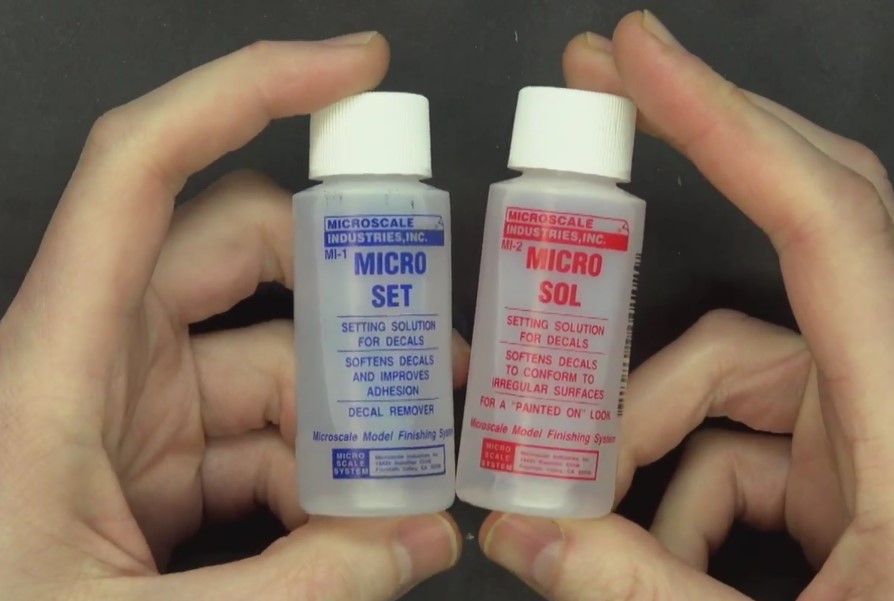 To get started, all you need are snippers (for clipping plastic card and metals rather than scissors), a hobby knife, tweezers, Micro Sol, Micro Set, and your favorite decals!
Step One
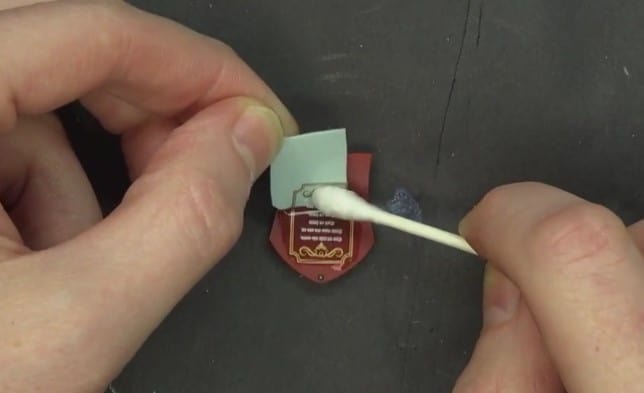 First, select the decal and be sure it is the proper size for the model you are applying it to. Once you select your decal, the next steps need to be done fairly quickly, so be sure you have everything out and ready to go. Soak the decal in a container with a little water to activate. While that is soaking, brush Micro Set onto the surface of the model. Once soaked, slide the decal onto the spot on the model, using either a brush or q-tip to aid.
Once the decal is on the model, use a brush with a little water to move the decal around on the model for exact placement. Using a damp paper towel, pat it down then let the piece dry.
Step Two
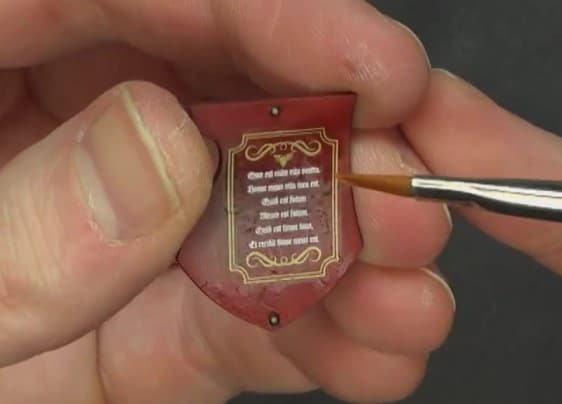 Once dry, Micro Sol is used to set the decal completely. Using it straight out of the bottle, use a brush to carefully brush over the decal itself. This softens the material more. If there are air bubbles or wrinkles, this will help get rid of those issues.
Let the Micro Sol then dry completely. Repeat several more times, letting each application dry completely before applying the next.
When the decal is completely set with no air bubbles and is completely dry, time to apply lacquer! Spray using a semi-gloss, such as Model Master Semi-Gloss Lacquer then, once dry, apply a matte coat such as Model Master Lusterless Flat. This will get the decal piece looking the same as the rest of the model.
Step Three
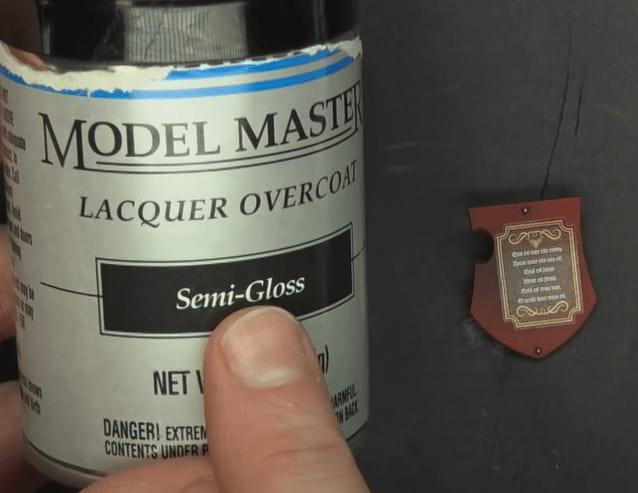 When the decal is completely set with no air bubbles and is completely dry, time to apply lacquer! Spray using a semi-gloss, once dry, apply a matte coat. This will get the decal piece looking the same as the rest of the model.
Finished Decal
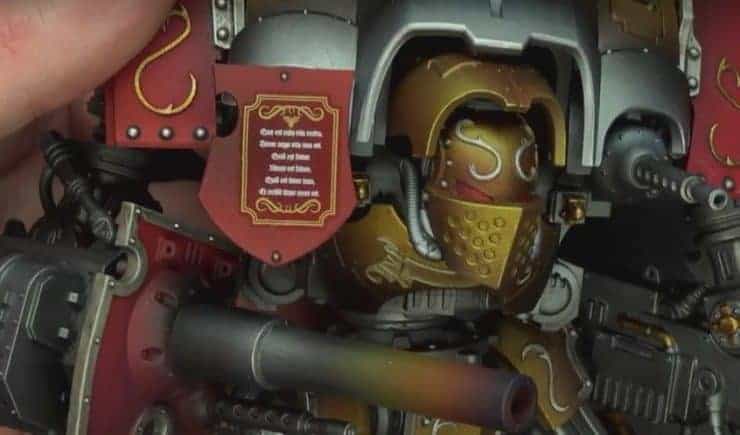 There you have it, an easy way to apply decals. You can apply more Micro Sol to dissolve the decal completely and give it the painted-on look as well. These are great and inexpensive tools for applying decals and adding another layer of customization to your models. As always with applying decals, it is easier to apply over flat surfaces.
Get Your Micro Sol & Set Today Here
Have you used this strategy before? Do you like putting decals on your minis?
Let us know in the comments of our Facebook Hobby Group, and make sure you enter the latest monthly giveaway for FREE today!
Get ad-free access to the site, plus a ton of miniatures, and support some of the best creators out there for as little as $6 a month on Patreon!

This post contains affiliate links, as an Amazon Associate Spikey Bits earns from qualifying purchases.